

Add someone to manage your Squarespace website
If you already have a Squarespace website and need to add someone to manage it, such as a new employee or a freelance designer you hired to help with the upkeep, this is how to do it.
I made this guide using Scribe*.
1. Go to your Squarespace website and click on the gear icon.

2. Click PERMISSIONS & OWNERSHIP
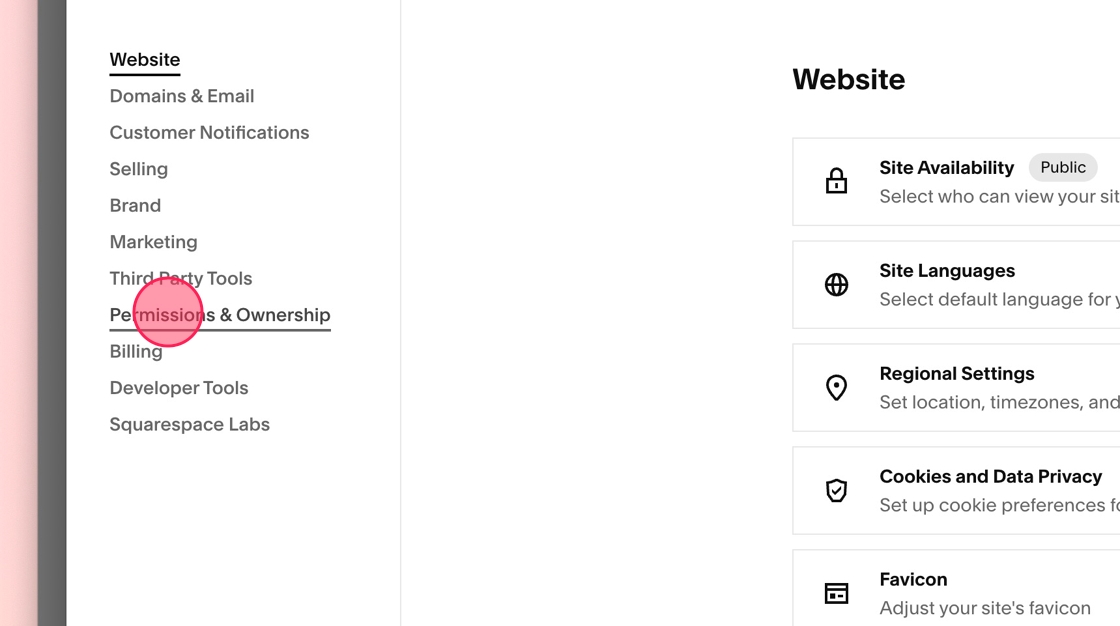
3. Select PERMISSIONS & OWNERSHIP
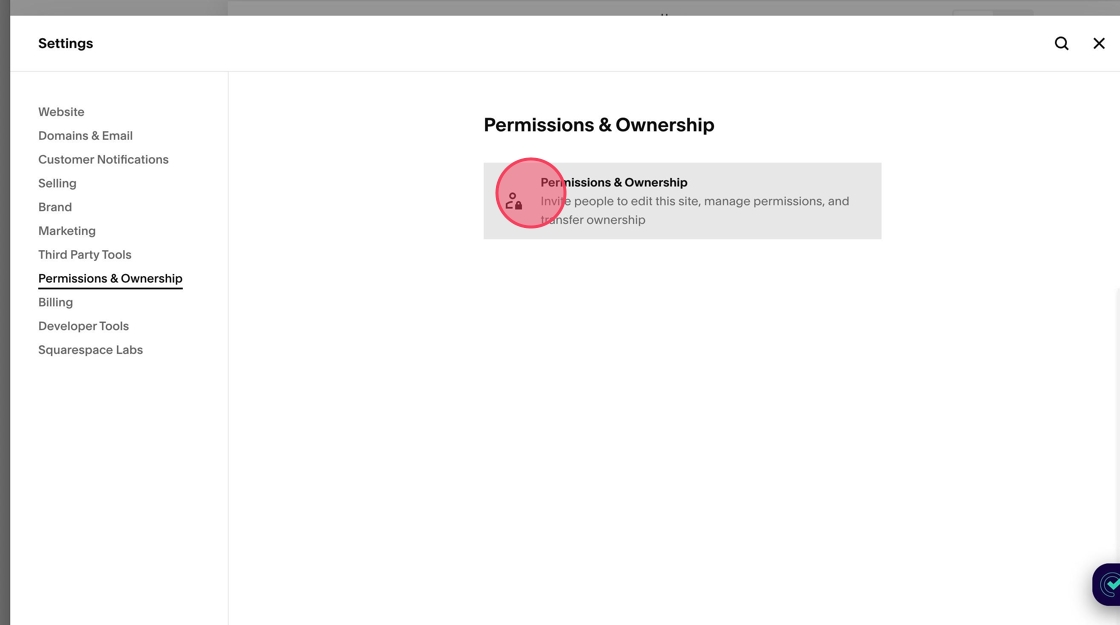
4. Click INVITE CONTRIBUTOR
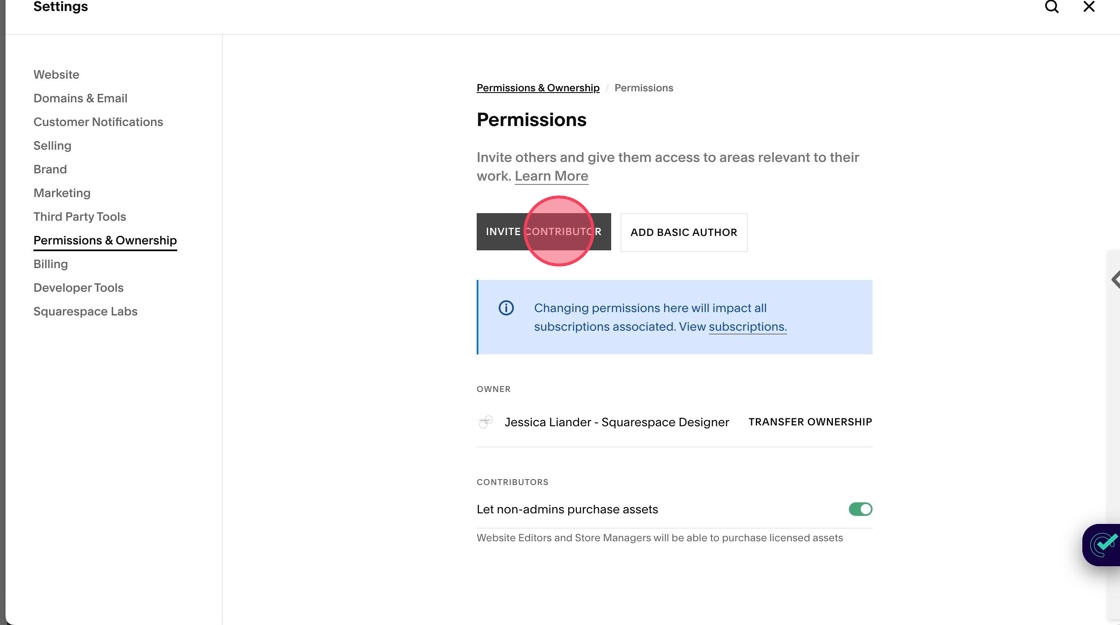
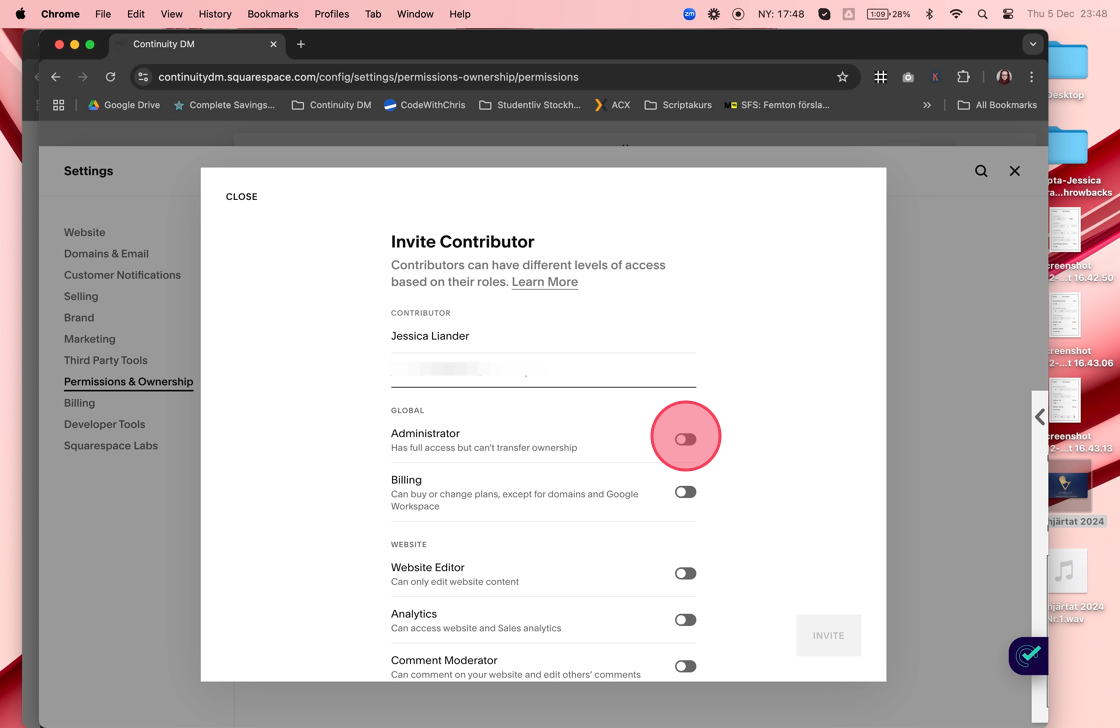
5. Invite the person by filling out their name and email:
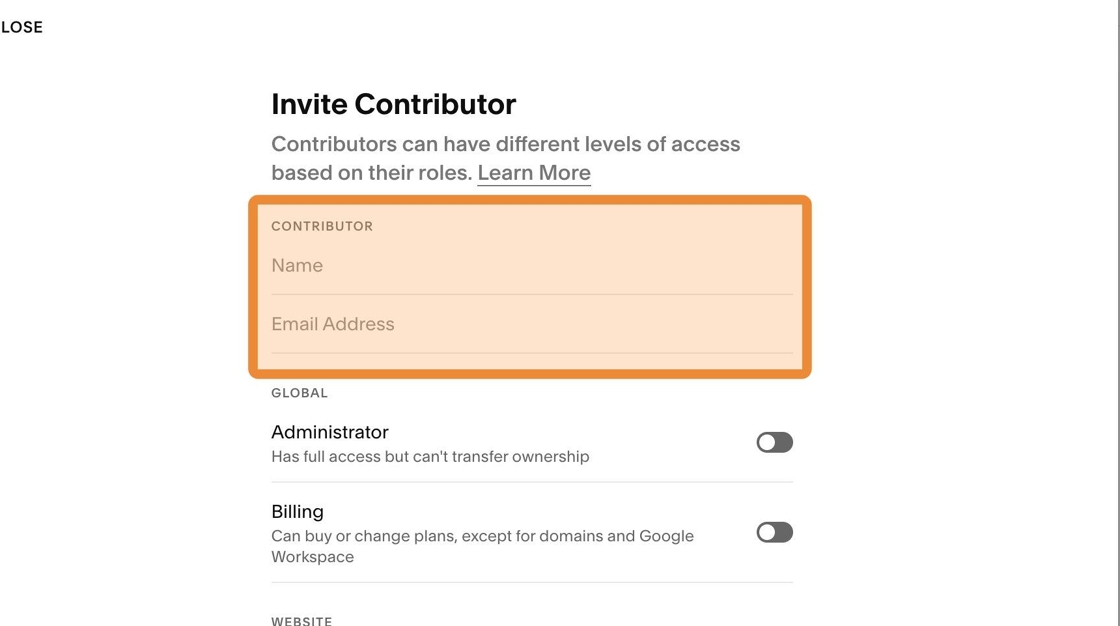
6. Toggle on the correct permissions. Web designers need ADMINISTRATOR rights to ensure they have all correct permissions in case there is coding needed or they need to do redirects if pages are going to be renamed.
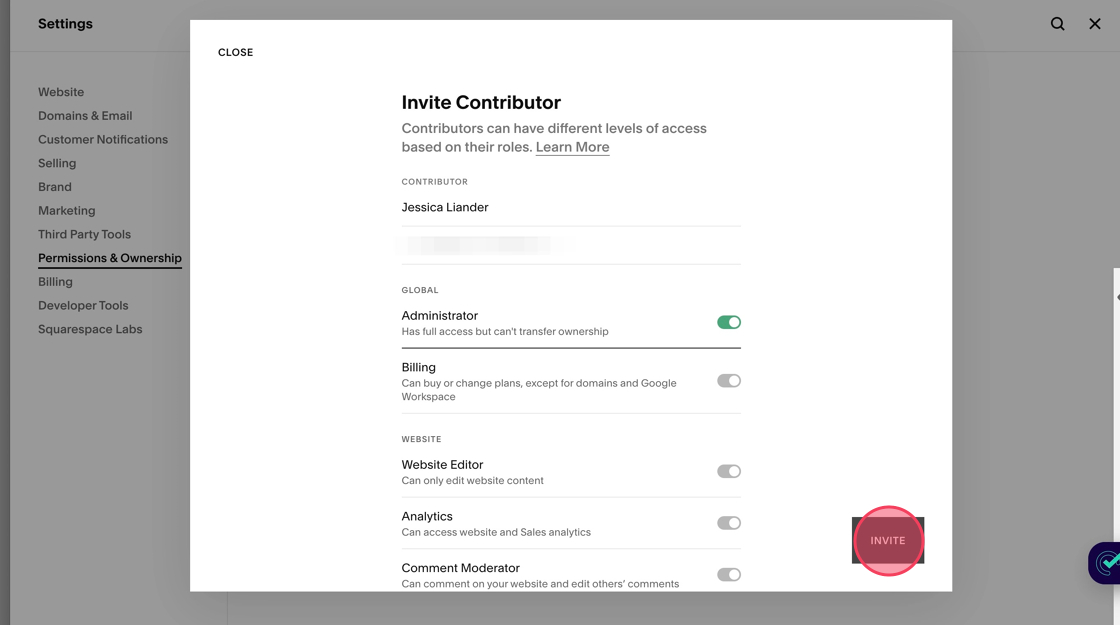
7. Click INVITE.
Disclaimers
This post contains affiliate links, which means I may earn a commission if you make a purchase through these links at no additional cost to you. I only recommend tools I use and trust.
The term "Squarespace" is a trademark of Squarespace, Inc. This blog is not affiliated with Squarespace, Inc.